Note · October 13, 2026 · Daniel Murillo
How to publish an article
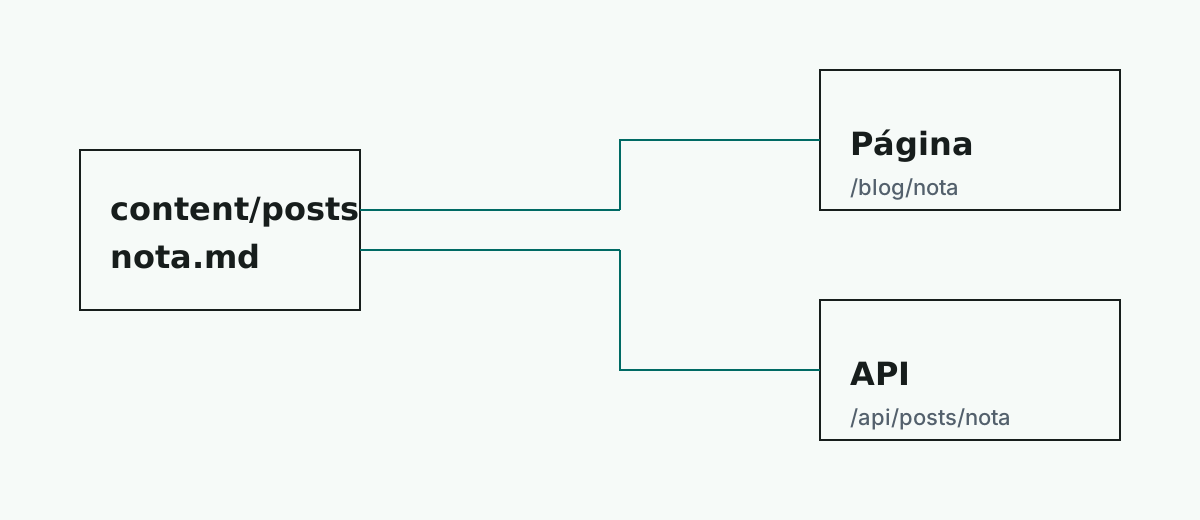
A Markdown file in content/posts/en is enough for it to appear on the site and in the API.
Locally, open New entry, fill in the form, and publish. The site writes the file for you.
If you prefer to write the file by hand, the name is the slug. content/posts/es/mi-articulo.md is published at /blog/mi-articulo and at /api/posts/mi-articulo. The translation goes in content/posts/en/mi-articulo.md → /en/blog/mi-articulo.
The file front matter uses these fields, each on a single line:
---
title: Title
description: A sentence that the API also uses.
author: Daniel Murillo
publishedAt: 2026-10-14
lang: es
keywords: markdown, product
kind: arquitectura
image: /media/lectura-compartida.svg
---
publishedAt uses the YYYY-MM-DD format. lang is es or en. keywords is a comma-separated list. kind is the entry type: programacion, arquitectura, producto, nota, or any other slug. The index groups by that type. image is optional and serves as the cover.
An image inside the text is normal Markdown. The text in quotes is the caption:
The file goes in public/media. An https URL also works.
A video is a @video line. It can be a .mp4, .webm, or .ogg file, or a YouTube or Vimeo link:
@video(/media/recorrido.mp4 "Walkthrough of the change")
@video(https://www.youtube.com/watch?v=abc123 "Talk")
This note’s player uses a sample video. In a real entry, replace the URL.
The newest article appears first. To view it locally:
bun run dev